Copy ∞ below, or in Word for Windows type 221E, select the code, and press Alt + X. On a Mac using the U.S. or ABC layout, Option + 5 enters ∞. Windows’ legacy Alt + 236 method needs a numeric keypad and can depend on the app and character settings.
Choose a character to copy, then paste it into your text.
Manual copy: ∞
This practice field is not submitted by this tool.The infinity sign ∞ looks like a sideways 8. This guide covers how to type it and the differences between plain text, spreadsheet results, and equation commands. If you want an infinity-style emoji, see the character comparison below before copying.
Infinity symbol: quick reference
| Where | Method | Important condition |
|---|---|---|
| Word for Windows | 221E, then Alt + X | Select the code before converting |
| Mac U.S. / ABC | Option + 5 | Other input sources may differ |
| Windows legacy input | Alt + 236 | Numeric keypad; compatibility varies |
| Excel | =UNICHAR(8734) | Returns text |
| Google Sheets | =CHAR(8734) | Returns text |
| HTML source | ∞ or ∞ | Not a Word keyboard shortcut |
| Unicode | U+221E | Decimal value 8734 |
Infinity symbol copy and paste
- Click Copy ∞ near the top of this guide.
- Wait for the message confirming that ∞ was copied.
- Return to the destination field and paste with Ctrl + V on Windows, Command + V on Mac, or your phone’s Paste command.
If the browser refuses automatic copying, select ∞ from the manual-copy line and use your device’s Copy command. The practice field lets you inspect the character before pasting it elsewhere. Font and app choices can change its shape without changing its Unicode value.
How to type the infinity symbol on Windows
Method 1: the legacy Alt + 236 code
- Click inside an app’s text field.
- Turn on Num Lock if your keypad requires it.
- Hold Alt and type 236 on the numeric keypad.
- Release Alt and check that the result is ∞.
Do not add a leading zero to this legacy code. On common Windows configurations, Alt + 0236 enters a different character. The 236 mapping comes from the old PC character set: Unicode’s Microsoft CP437 mapping pairs hexadecimal EC (decimal 236) with U+221E. That mapping does not guarantee identical Alt-key behavior in every Windows app or locale.
A number row is not a numeric keypad. If you get a different symbol or no result, use Character Map, copy/paste, or Word’s 221E conversion. Avoid treating Alt + 8734 as a universal Windows shortcut: 8734 is the Unicode decimal value, and decimal Unicode input is not supported uniformly.
Method 2: Character Map without a numeric keypad
- Open Start, search for Character Map, and open it.
- Choose a text font that includes mathematical symbols, such as Segoe UI Symbol.
- Locate ∞. If available, Advanced view lets you choose a Unicode character set and enter 221E in Go to Unicode.
- Select the character, click Select → Copy, and paste it into your document.
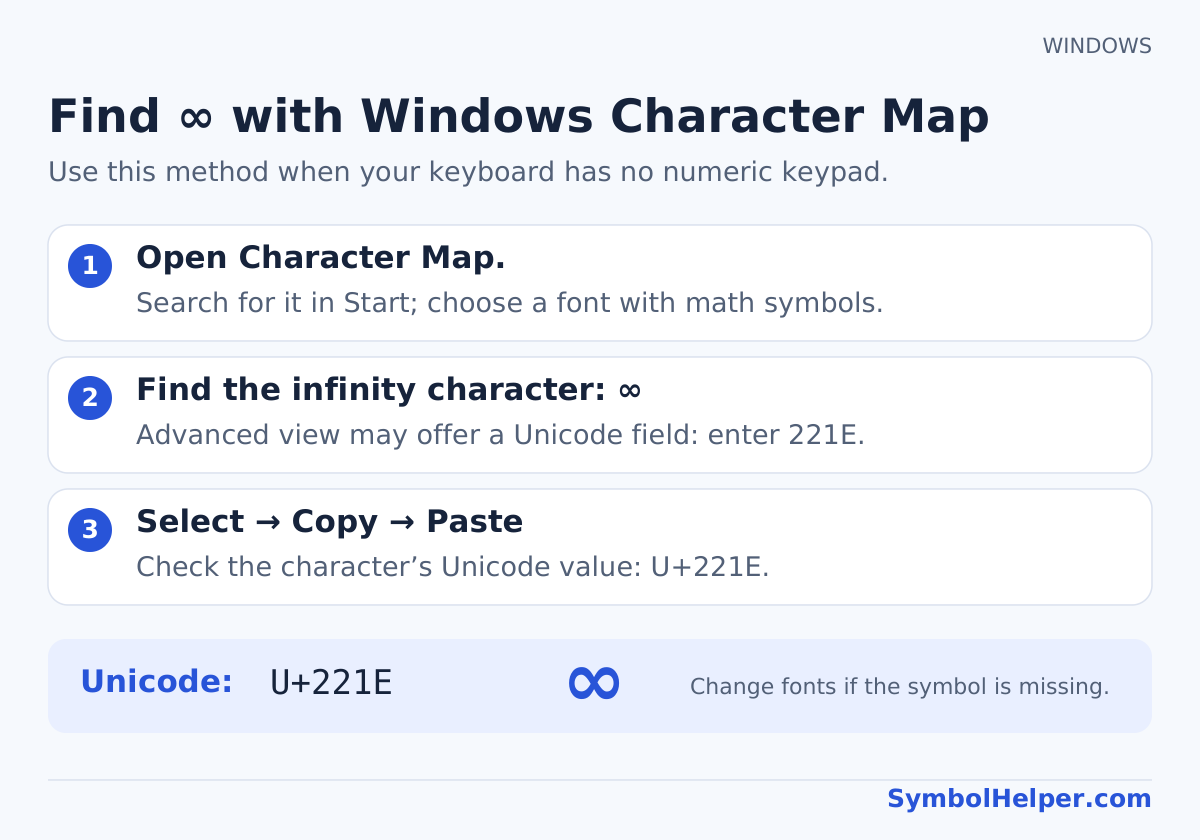
Character Map displays the selected font’s characters; change the font if ∞ is missing. Microsoft’s character guide explains this tool and why character-code methods differ between applications.
Method 3: the Windows symbol panel
Press Windows + ., select Symbols, and browse the mathematical-symbol section for ∞ when your Windows version provides it. Panel categories and search vary. If your panel does not show the character, switch to Character Map rather than choosing a similar emoji.
How to type ∞ on a Mac
Method 1: Option + 5 on U.S. or ABC
Click the insertion point, hold Option, press the number-row 5, then release the keys. With the U.S. or ABC input source, this inserts ∞. It is a simultaneous combination, unlike the two-stage sequences used for accented letters.
If your layout produces something else, do not keep changing modifier keys at random. Open Keyboard Viewer and hold Option to inspect the active layout, or use Character Viewer below. A physical key label does not identify the currently selected software input source.
Method 2: Character Viewer
- Choose Edit → Emoji & Symbols, or press Control + Command + Space in a supported app.
- Search for infinity. Expand the viewer if necessary.
- Choose the mathematical character ∞, U+221E, and insert it.
Check the result carefully if the search also offers infinity-style emoji. Apple’s viewer guide explains browsing and inserting symbols; menu wording can differ between apps.
How to type the infinity symbol in Word
Method 1: convert 221E with Alt + X on Windows
- Type 221E in the document.
- Select just those four characters.
- Press Alt + X. Word replaces the code with ∞.
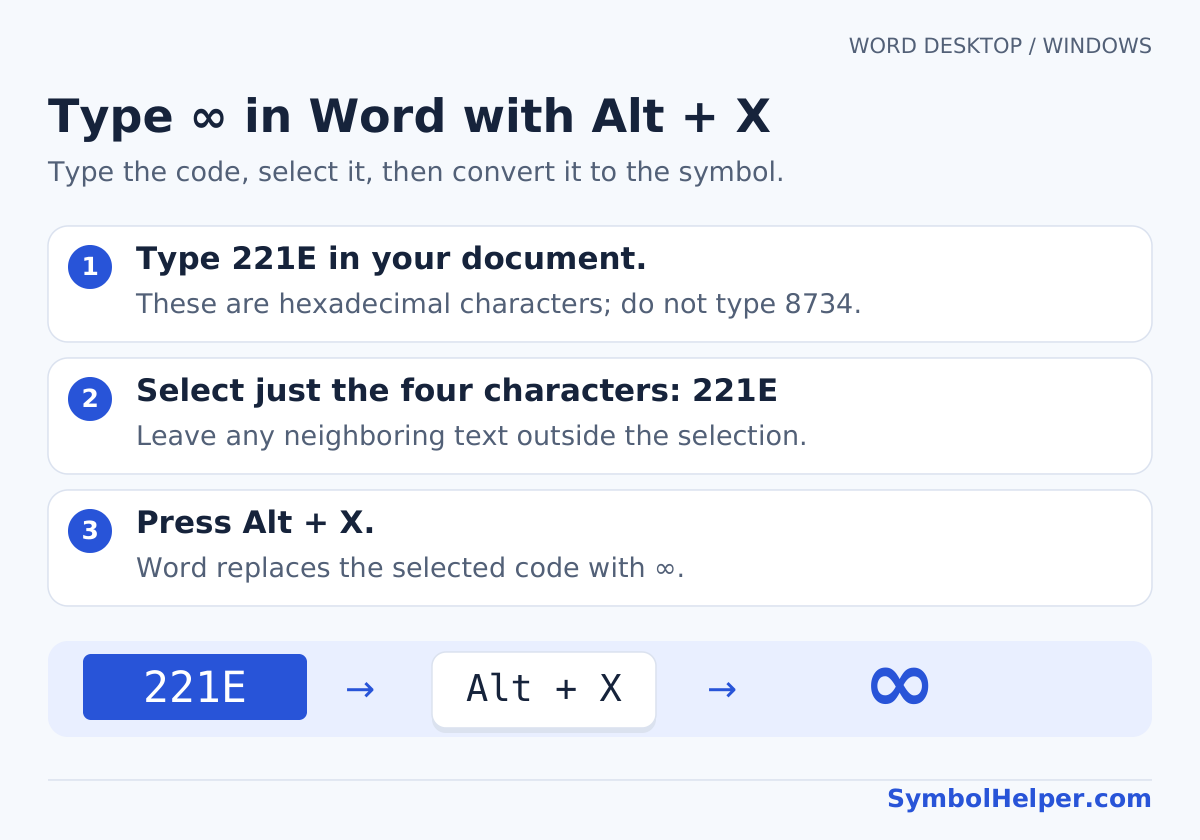
This uses a hexadecimal code, so do not enter the decimal number 8734 in its place. Selecting the code avoids accidentally converting adjoining hexadecimal-looking text. This is a desktop Word for Windows method; use Mac input methods or menus in editions where the shortcut is unavailable.
Method 2: insert ∞ through the Symbol dialog
In Word for Windows, choose Insert → Symbol → More Symbols. Select a font containing mathematical characters and look under Mathematical Operators when that subset is available. If the dialog offers a Unicode hexadecimal character-code box, enter 221E, select ∞, and click Insert.
In Word for Mac, use Insert → Advanced Symbol → Symbols when available, or insert ∞ with the Mac keyboard or Character Viewer. Microsoft’s symbol-menu documentation distinguishes the Mac interface. A font-specific symbol that only resembles ∞ may paste differently from the actual Unicode character.
Method 3: use an equation command
- Choose Insert → Equation to start a mathematical equation.
- For the Math AutoCorrect method in Word, use the equation’s Unicode input mode.
- Type
\infty, then press Space to convert the command to ∞.
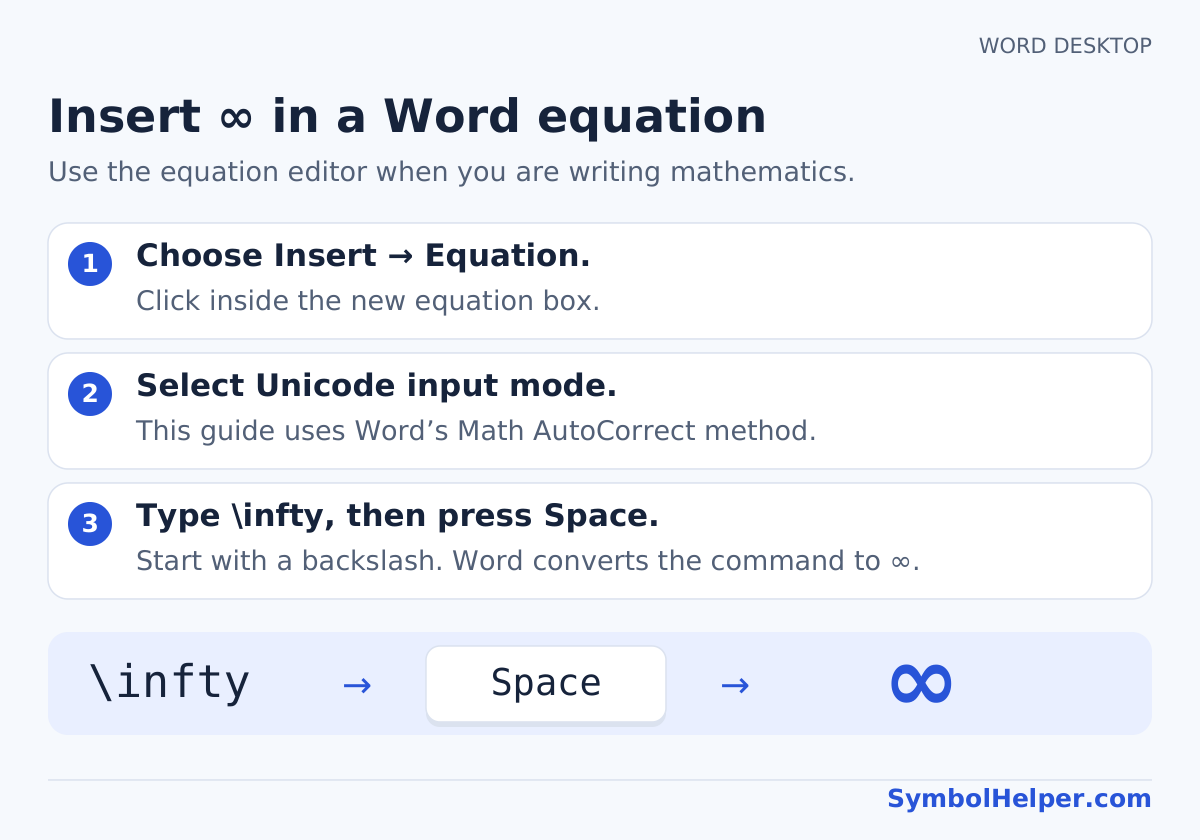
The command contains a backslash, not a forward slash. Microsoft lists the infinity Math AutoCorrect commands and explains the required equation mode. Do not assume that typing \infty in an ordinary paragraph will convert automatically; outside-equation behavior depends on settings. For a simple label, pasting the character is usually enough.
Use ∞ in Excel and PowerPoint
Excel: paste a symbol or use UNICHAR
For a cell label, paste ∞ while editing the cell. In Excel for Windows, Insert → Symbol provides another route. To generate the character with a formula, enter =UNICHAR(8734). For a label such as “Limit: ∞”, use ="Limit: "&UNICHAR(8734).
The UNICHAR function returns a character, not an infinite numeric value. A cell displaying ∞ through this formula cannot be used as a numeric upper bound in a calculation. Use the actual conditions required by your calculation instead. Excel function names and separators can differ by language.
PowerPoint: text box versus equation
To show ∞ in a slide label, click inside a text box and paste it, or use Insert → Symbol in PowerPoint for Windows. For structured mathematics, choose Insert → Equation and use an available symbol or supported equation command. Word’s Alt + X conversion is not a general PowerPoint text-entry method.
Insert ∞ in Google Docs and Google Sheets
Google Docs: Special characters
- On a computer, click where ∞ belongs.
- Choose Insert → Symbols → Special characters. Some versions place Special characters directly under Insert.
- Enter 221E in the Unicode search field, or draw the sideways-eight shape.
- Select the mathematical infinity character to insert it.
This follows Google’s special-character instructions. On a Mac with U.S. or ABC selected, Option + 5 is also an option. In the phone app, use copy/paste when the desktop character menu is unavailable.
Google Sheets: CHAR uses the decimal Unicode value
Enter =CHAR(8734) in a cell to return ∞, or paste the character directly. Google Sheets CHAR uses Unicode decimal values. Sheets does not have the same Special characters dialog as Docs. As in Excel, this formula creates text and does not make the cell numerically infinite.
Type the infinity symbol on iPhone and Android
Copy ∞ from this page, touch and hold the destination text field, and choose Paste. Phone keyboards offer different symbol sets; there is no single infinity key position shared by every iPhone and Android keyboard. Choosing an infinity emoji can insert a different character from the mathematical symbol.
Save an iPhone text replacement for repeated use
- Copy ∞.
- Open Settings → General → Keyboard → Text Replacement and tap the add button.
- Paste ∞ into Phrase and enter an uncommon shortcut such as
;infty. - Save it and test the shortcut in an app that supports text replacements.
Apple documents custom text replacements. On Android, check your keyboard’s personal dictionary or text-shortcut options; the settings depend on the keyboard app and version. Copy/paste remains available without creating a replacement.
Infinity symbol meaning: ∞ versus ♾
The mathematical infinity symbol denotes an unbounded quantity or continuation, depending on the expression. It is not an ordinary finite number. In an informal message it can suggest “forever,” but that is a contextual use rather than a separate mathematical operation.
| Character | Unicode identity | When to choose it |
|---|---|---|
| ∞ | U+221E, INFINITY | Mathematical text and equations |
| ♾ | U+267E, PERMANENT PAPER SIGN | A different infinity-shaped character; may appear as emoji |
| 8 | U+0038, DIGIT EIGHT | The number eight, not infinity |
See Unicode’s Mathematical Operators chart (PDF) for U+221E and its Miscellaneous Symbols names list for U+267E. Emoji presentation can also involve a variation selector. If a document requires the mathematical symbol, copy ∞ from the main button rather than an infinity-style emoji.
Infinity in HTML and equation source
In HTML source, ∞, ∞, and ∞ represent ∞. In Unicode notation the code point is U+221E; in a JavaScript string the escape is \u221E. Pasting an HTML entity into Word or a normal chat field usually leaves the entity text rather than decoding it.
In LaTeX math mode, \infty is the infinity command, for example $x \to \infty$. Source commands need a renderer or equation editor that understands them; plain text fields do not render LaTeX automatically.
Troubleshooting and frequently asked questions
Why does Alt + 236 insert the wrong character?
Check whether you typed 236 or 0236, used the numeric keypad, and enabled Num Lock when necessary. Legacy character settings and app behavior can change the result. If it still differs, use Word’s 221E → Alt + X, Character Map, or copy/paste.
How do I type the infinity symbol on a laptop without a number pad?
On Windows, use Character Map or the copy button above. In Word for Windows, type 221E, select it, and press Alt + X. On a Mac with U.S. or ABC selected, press Option + 5. These options do not need a numeric keypad.
Why does the infinity symbol appear as a box?
The current font may not contain a suitable glyph. Try a font with mathematical-symbol support and inspect the exported PDF as well as the editable document. Replacing the character with an image is usually unnecessary for ordinary text.
Can I calculate with ∞ in a spreadsheet?
A copied ∞ or a UNICHAR/CHAR result is a text character. Displaying it does not make an Excel or Sheets formula calculate using an infinite numeric value. Keep display labels separate from the numeric data used by your formulas.
Is ∞ the same as the proportional-to sign ∝?
No. The proportional-to sign has a different shape and code point, U+221D. Choose the character whose meaning matches the expression. Our math-symbol collection includes both with separate names.
Sources and related symbols
AI assisted with drafting. Official references are linked beside the relevant methods; keyboard layouts, font support, and application editions can differ. We have not claimed to test every native app or device. Send a correction if your setup differs. For more operators, browse math symbols or compare input methods in the Alt-code finder.